

AI SaaS App Builder: How to Create a SaaS App Without Coding
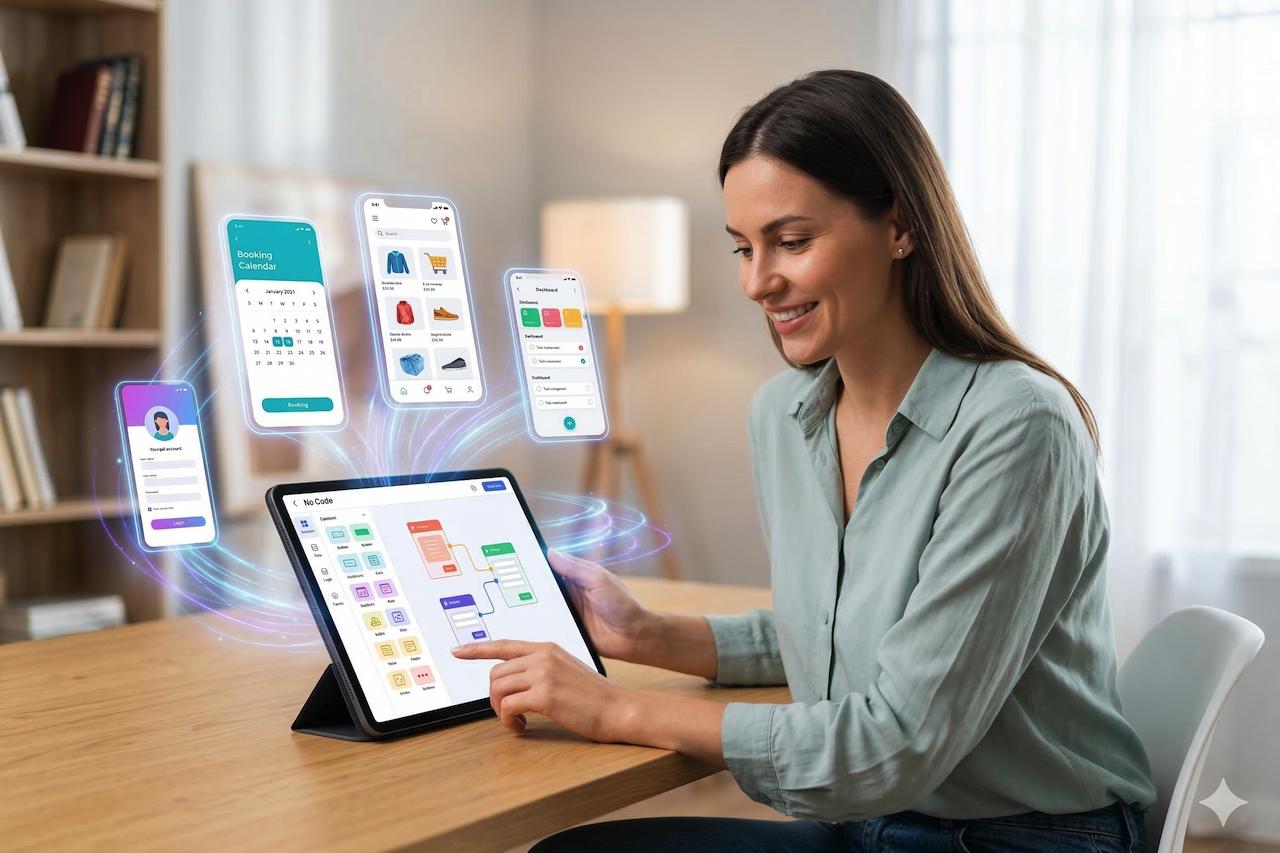
Have a SaaS business idea but don't know how to code? You're not alone. Many entrepreneurs, startups and small business owners have great ideas for software products but struggle to turn them into working applications.
An AI SaaS app builder can help make this process easier. Instead of building everything from scratch, you can use AI-powered tools to plan, create and develop applications with less manual coding.
Whether you want to build a business tool, a customer portal, a booking platform or a subscription-based software product, AI can help you get started more efficiently.
What Is an AI SaaS App Builder?
An AI SaaS app builder is a platform that uses artificial intelligence to help users create software applications. Depending on the platform, you may be able to describe your idea in simple language, generate application layouts, set up workflows and create features without writing code manually.
For example, imagine you want to build a project management tool for small businesses. You could start by describing features such as task management, team dashboards, user accounts and project tracking.
An AI SaaS builder may help turn that description into an initial application, which you can then review, customise and test.
The exact capabilities depend on the builder you choose.
How to Create a SaaS App Without Coding
You don't necessarily need programming experience to start building a SaaS product. Here are some practical steps to follow.
1. Start With a Clear SaaS Idea
Before building anything, identify a problem your application will solve.
Think about your target audience and what they actually need. For example, freelancers may need an invoice management tool, while small businesses may want a simple customer relationship management system.
A clear problem makes it easier to decide which features matter.
2. Choose an AI SaaS Builder
Look for an AI SaaS app builder that matches your project requirements.
Consider whether it supports user authentication, databases, integrations, responsive design, subscriptions and the ability to export or manage your application data.
If you plan to launch a commercial product, also review pricing, hosting, security and ownership terms.
3. Describe Your Application
Start with a simple description of your product.
For example:
"I want to create a SaaS application that helps freelancers manage clients, projects and invoices from one dashboard."
Break your idea into smaller features. This can help an AI builder produce a more useful starting point and make revisions easier.
4. Build and Customise Your Features
Use the available AI tools to create your application structure and refine its features.
Depending on the platform, you might create dashboards, forms, user profiles, admin panels and automated workflows.
Keep the first version simple. Focus on the features users need most rather than trying to build everything at once.
5. Test Before Launching
Before making your SaaS application available to customers, test the main user journeys.
Check account registration, login, permissions, data handling, payments if applicable, mobile responsiveness and error messages.
AI-generated applications still require proper testing, particularly when they handle personal information or payments.
6. Launch and Improve Your SaaS Product
Once your application is ready, launch it to a small group of users and collect feedback.
Observe which features people use, where they experience difficulties and what improvements they request.
You can then refine your product based on real user needs.
Why Build SaaS With AI?
Building SaaS with AI can offer several advantages, especially during the early development stages.
Faster prototyping: AI tools may help you turn an idea into a working prototype more quickly.
Lower technical barriers: Visual tools and natural-language instructions can make app development more approachable for non-technical founders.
Easier experimentation: You can explore different layouts, features and workflows before committing to a larger development project.
More focus on your business: Instead of spending all your time planning technical details, you can focus more on your customers, product strategy and market research.
However, AI doesn't guarantee a finished, secure or profitable SaaS product. Development time and costs depend on the complexity of your application and the platform you use.
What Kind of SaaS Apps Can You Create?
With the right platform, you may be able to build applications such as:
-
CRM tools for managing customer relationships
-
Project and task management software
-
Appointment booking applications
-
Business dashboards and reporting tools
-
Client portals for service providers
-
Inventory and workflow management tools
-
Subscription-based web applications
Complex applications may require additional development, integrations or technical expertise.
Is an AI SaaS Builder Right for Your Business?
An AI SaaS builder can be a useful starting point for entrepreneurs, freelancers, startups and small businesses that want to validate a software idea.
It may be especially helpful if you want to build an MVP (Minimum Viable Product) before investing in a larger development project.
Before choosing a platform, compare its features, limitations, scalability, security and pricing.
If you're exploring ways to turn your idea into a working business tool, Blyft can be positioned as a starting point for building digital solutions with less coding effort. Review its available features to see whether they fit your project.
Final Thoughts
Creating a SaaS product doesn't always have to begin with a complicated coding process. An AI SaaS app builder can help you explore ideas, develop prototypes and build useful applications with a more accessible workflow.
Start with one real problem, build the essential features and test your solution with actual users. A simple, useful product is often a better starting point than a complicated application with too many features.
FAQ's
Q- Can I create a SaaS app without coding?
Yes. You can use an AI SaaS app builder to create application layouts, features and workflows using natural-language instructions or visual tools. Some projects may still require technical adjustments.
Q- What is the best AI SaaS app builder for beginners?
The best AI SaaS builder depends on your goals, budget and required features. Compare ease of use, integrations, customisation, hosting, security and scalability before choosing a platform.
Q- How do I build SaaS with AI?
Start with a clear business idea, define your core features, choose an AI builder, generate your first version, test its functionality and launch when it's ready.
Q- Can I build a SaaS product using AI for free?
Some AI app builders offer free plans or trial credits. However, hosting, integrations, AI usage, custom domains and advanced features may require payment.
Q- What types of SaaS applications can I build without coding?
Depending on the platform, you can build CRM systems, project management tools, booking apps, dashboards, client portals and other business applications.
Q- Is an AI-built SaaS application ready for commercial use?
Not automatically. Before launching, review application security, privacy, access permissions, data handling, payment functionality and performance. Test the application thoroughly.
Q- Can I customise my SaaS application after building it?
Yes, many AI SaaS builders allow you to improve designs, add features and modify workflows after the initial build. The level of control varies by platform.
Q- How long does it take to create a SaaS app with AI?
A basic prototype may take much less time than traditional development, but a complete SaaS product can require additional time for testing, integrations, security and deployment.